
Google post · Autumn boiler serviceBoiler servicing this month. Book before the first cold snap.
Your app, with your name on it.
You do the work. Your app handles the bits in between: bookings from your assistant, new enquiries, quotes and invoices that follow up on their own, and a direct line to our team. Your name on it, on your home screen.
- Included with every planNever an add-on, never an upsell.
- Opens from your home screenLike any app. No store, nothing to search for.
- Your name and logoIt says Greenfield Plumbing, not ours.
7:30
Monday, October 127:30
GNew bookingMon 10:00 AM · Boiler service · booked by your assistant
GQuote replyAlex Morgan replied to “Your boiler replacement quote”
GNew enquiryLeaking radiator valve · from your website
GTeamJamie: Ready for the first visit.
★Brasswick Digital4 social posts waiting for your review
Put your name on itUpdates as you type
Or try:
Change the name and town, and every example on this page updates.
Get your free growth planTry it
Tap through the screens you’d use.
Eight screens, already showing Greenfield Plumbing. Watch the tour, or tap, swipe or use the arrows.
7:30
GGreenfield Plumbing•••
Monday, October 12
Your day, at a glance.
RefreshYour business, all close by.
Send quoteSend invoiceCalendarSend email
Today’s appointments View calendar →
Up next
10:00 AM11:00 AMAlex MorganKitchen tap replacement
12:30 PM1:30 PMJamie ChenBoiler service
3:00 PM4:00 PMSam RiveraBathroom leak repair
TodayMessagesEmailCalendarServices
01 / 08
Your day, at a glance.
Your whole day on one screen: visits your assistant booked, and who has replied to your quotes.
Sample screens · your name, your details
A working day
A day with Greenfield Plumbing.
How your client app runs alongside an ordinary Monday. Scroll through the day.
- 7:30 AM
See what today holds.
Your visits, including the ones your AI assistant booked, and who has replied to your quotes.
7:30GGreenfield Plumbing•••Monday, 12 OctoberYour day, at a glance.
RefreshYour business, all close by.
Send quoteSend invoiceCalendarSend emailToday’s appointments View calendar →Up next
10:00 AM11:00 AMAlex MorganKitchen tap replacement12:30 PM1:30 PMJamie ChenBoiler inspection3:00 PM4:00 PMSam RiveraBathroom leak repairTodayMessagesEmailCalendarServices - 9:40 AM
Take the right details with you.
The address, the job and directions, one tap away. The conversation that booked it is there too.
9:40GGreenfield Plumbing•••confirmedAppointment details
×NameAlex MorganPhone01733 550176Visit address18 Maple Avenue, PeterboroughService requestedKitchen tap replacementAppointment timeMon, 12 Oct 2026 · 10:00–11:00 AMDate bookedSun, 11 Oct 2026 at 2:30 PMCall customerDirections ↗▸ View conversationTodayMessagesEmailCalendarServices - 1:45 PM
Quote before you leave.
Add the work and your prices while you’re still on site, then leave a follow-up on.
1:45GGreenfield Plumbing•••← QuotesSend quote
Combi boiler installation · Jamie Chen
Combi boiler unit1 × £1,050.00£1,050.00Installation & commissioning1 × £400.00£400.00Total£1,450.00Follow-up 1A friendly nudge if Jamie hasn’t repliedFollow-up 2A shorter second reminderFollow-ups stop as soon as Jamie replies.
Send quoteReview emailTodayMessagesEmailCalendarServices - 2:15 PM
Plans change.
Block time for a parts run, and your assistant books around it.
2:15GGreenfield Plumbing•••Calendar
RefreshAppointments · UK Time
+ Add appointmentBlock timeMon123Tue132Wed140Thu150Fri160Sat170Sun18012:30 PM1:30 PMJamie ChenBoiler inspectionBusy · parts run1:30–2:30 PMBusy · 1:30–2:30 PMMoveSet reminderYour assistant books around this time.TodayMessagesEmailCalendarServices - 4:30 PM
Invoice before you pack up.
From the quote or the job, checked before it goes.
4:30GGreenfield Plumbing•••← InvoicesSend invoiceGreenfield PlumbingInvoice · INV-000041Kitchen tap replacementFor Alex Morgan
18 Maple Avenue, PeterboroughDate: 12 Oct 2026 · Due: 26 Oct 2026Supply kitchen mixer tap1 × £185.00£185.00Fitting & leak test2 × £100.00£200.00Total £385.00Bank transfer
Please include INV-000041 as your payment reference.TodayMessagesEmailCalendarServices - 4:35 PM
Reminders that ask politely for you.
7 days before the due date, then 7 and 14 days after, until you mark it paid.
4:35GGreenfield Plumbing•••← InvoiceSend invoice
INV-000041 · £385.00 · due 26 Oct 2026
Payment remindersPolite emails until you mark it paidSee reminder dates UK Time
1Mon, 19 Oct · 9:00 AM · 7 days before2Mon, 2 Nov · 9:00 AM · 7 days after3Mon, 9 Nov · 9:00 AM · 14 days afterSend invoiceMark as paidTodayMessagesEmailCalendarServices
What it does for you
Built to help you turn enquiries into booked jobs.
The calls, chats, follow-ups and marketing that eat your evenings, handled by one dedicated team.
- 01
Never miss an enquiry.
Website chats, emails and phone calls answered 24/7, booking appointments straight into your calendar.
- 02
No quote goes cold.
Instant replies and automatic follow-ups ensure the first response comes from you, not a competitor.
- 03
Quotes and invoices simplified.
Send quotes with follow-ups and invoices with friendly reminders directly from your client app.
- 04
Look like the obvious choice.
A fast, modern website, regular Google reviews and social presence earn trust before customers call.
- 05
See everything in your app.
Check appointments, read AI chat and email transcripts, and view call summaries anytime on your phone.
- 06
One team handles everything.
No juggling suppliers—we build first so you can try before you buy, with monthly results in plain English.
It all connects
Whatever you choose, it lands in your app.
Your client app brings all your enquiries, bookings and marketing results together in one place.
- AI Chat AssistantEvery booking in your calendar, every conversation to read, and an instant alert for each new enquiry
- AI Telephone ReceptionistA summary of every call in your app, with each booking placed straight into your calendar
- AI Front Desk BundleChats, emails and call summaries in one shared inbox, with every booking in your calendar
- Website DesignEnquiries and bookings from your new website arrive instantly with real-time notifications
- Lead Follow-UpEvery enquiry in one place, smart forms, and automatic follow-ups so no quote goes cold
- Google Business Profile & ReviewsReview replies and Google updates to approve, plus job photos sent straight to our team
- Facebook & Pinterest MarketingSocial posts to approve before they go live, and job photos sent straight to us from your phone
Your client app is included with every plan: send quotes with automatic follow-ups, invoices with reminders, connect your calendar, and message our team.
1:12
GGreenfield Plumbing•••
← Today
JobsEnquiriesQuotesTeam chatNotes
Team chat
Only your business team. Messages are kept secure in your client app.
JamieMorning! I’ve checked today’s bookings. Ready for the first visit.YouThanks! The quote is approved. The replacement tap is in the van.JamiePerfect. I’ll handle the boiler inspection at 12:30.
Send to teamIncluded with every plan
Your enquiries, bookings and team in one place.
Every client gets their own mobile app. See your bookings and appointments, read every AI chat, email and call conversation, send quotes and invoices, and keep your jobs running smoothly on the go.
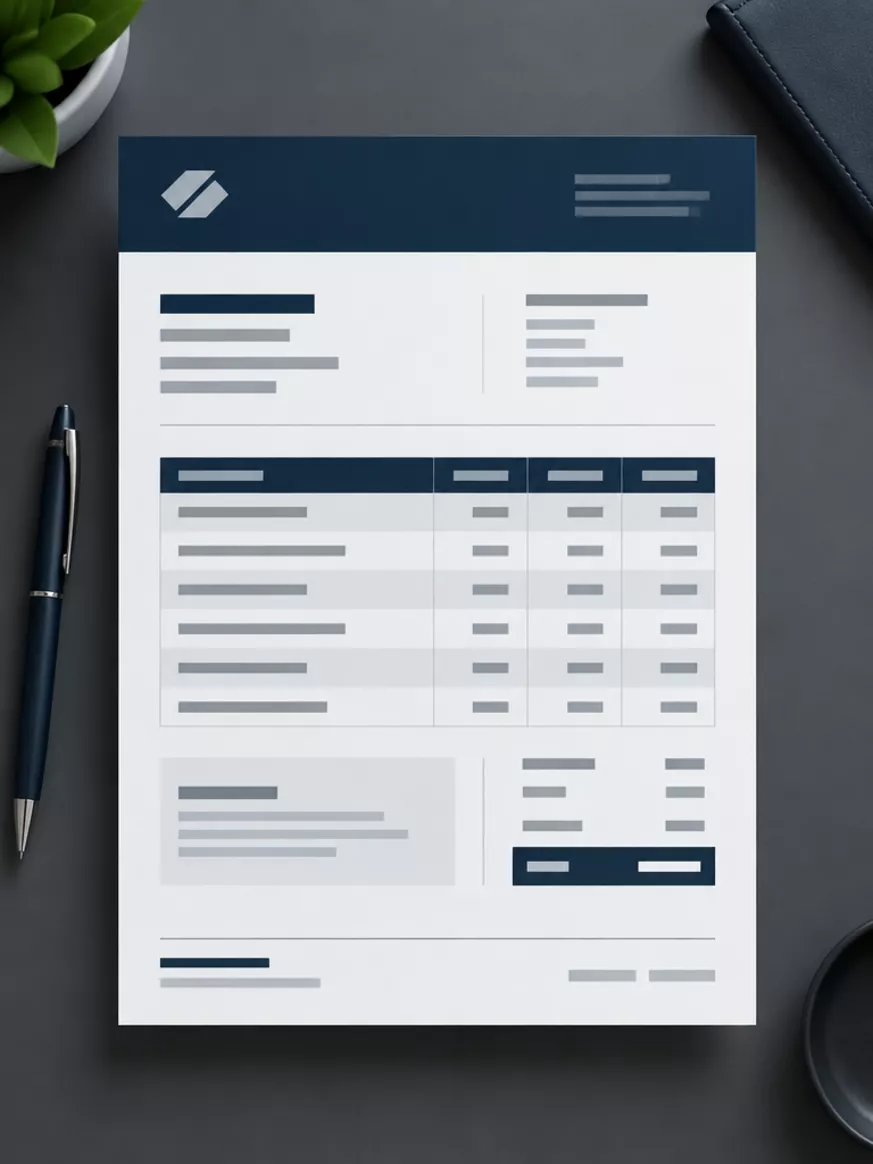
Sample client invoice
Client app included
You add the job details. It goes out looking like a proper business.
- 01Quotes with automatic follow-ups.Send clear, professional quotes straight from your app so no enquiry goes cold.
- 02Invoices and reminders.Neatly laid out for your trade with your terms, plus automated reminders to get you paid.
- 03Every conversation in one place.Review AI website chats, emails, calls and customer bookings without juggling apps.
Getting started
Ten minutes to set up. Useful every day.
We set everything up for you. You simply open the invite to access your client app.
- 01
Open your invite.
We send your secure access link straight to your phone and email.
- 02
Add it to your home screen.
A couple of quick taps, and it opens just like any other app on your phone.
- 03
Connect your calendar.
Sync your schedule so appointments, enquiries, quotes and invoices stay in one place.
- 04
Turn on instant alerts.
Get notified the moment a new booking, call or enquiry lands.
It installs straight from a link. On iPhone, open it in Safari, tap Share, then Add to Home Screen. On Android, open it in Chrome and tap Install app.
Is the app extra?
No. It’s included with every plan at no additional cost.
Do I have to use all of it?
No. Use the parts that make your day easier. Your app displays your enquiries, bookings, and messages in one central place.
How do I get it on my phone?
We send you a link. You add it to your home screen in a few taps, and it opens like any other app on iPhone, Android, and your computer.
Does it replace my accounting software?
No. It handles your daily workflow—bookings, quotes, invoices, and job enquiries—alongside the software you already use.
How do customers pay?
Your invoices include your bank details or a payment link. When payment is received, you mark the invoice paid and automatic reminders stop.
Can my team use it?
Yes. Each person gets their own login, and you choose exactly what they can see and manage.
Free preview · Try before you buy · No long contracts
Let’s build it for real.
Every plan comes with your own client app. Start with a free preview of the work itself, built for your business and sent on a private link.
- Usually ready in a few days
- Built for your business, not a template
- A real person reads every request